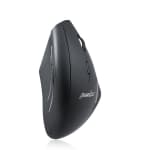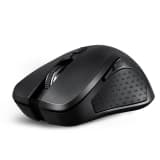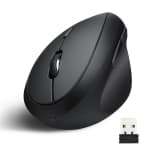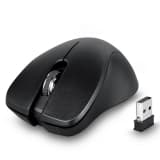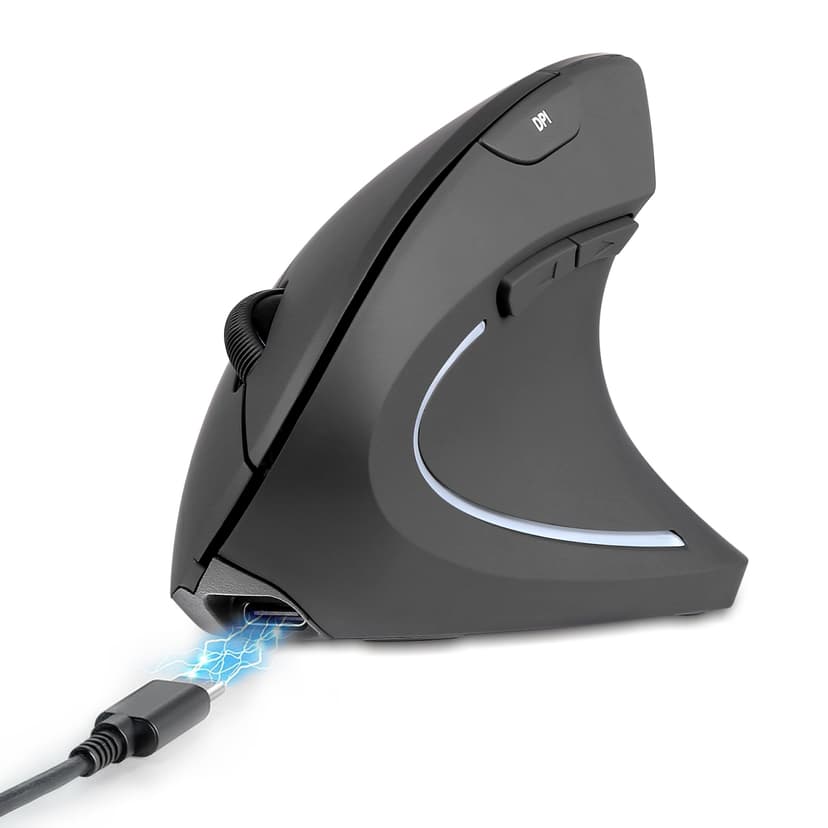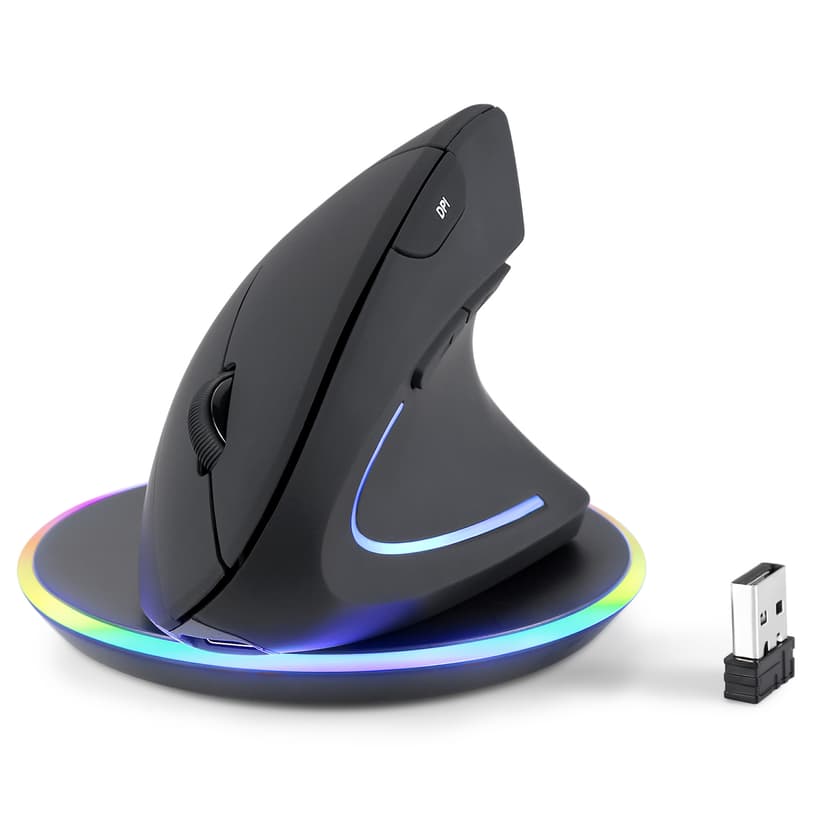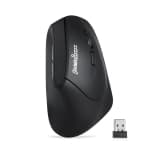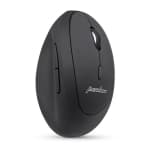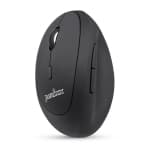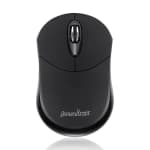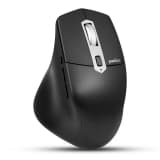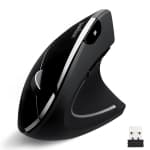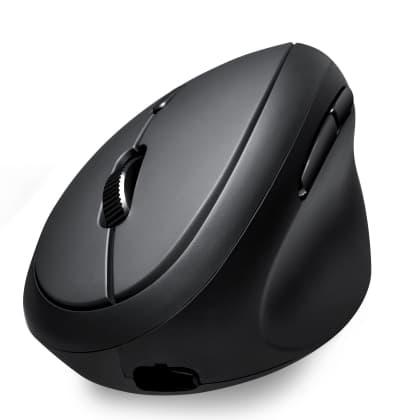
- PERIMICE-608
Product manual Programmable Driver (.exe file) Programmable Driver (ZIP compressed file) Are forward and backward buttons on my mouse work on macOS? Yes. While...
- PERIMICE-611
Product Manual How to connect PERIMICE-611 using Bluetooth and Wireless Receiver: Ensure you use fully charged batteries. Bluetooth Connection 1. On the back...
- PERIMICE-619
Product Manual How long can battery (1 x AA) last on PERIMICE-619? PERIMICE-619 uses slightly less energy. The AA battery in PERIMICE-619 will usually last for...
- PERIMICE-621
Product Manual Product Manual (Renewal version) Where do I download the driver for the PERIMICE-621? The PERIMICE-621 uses a plug and play Wireless USB...
- PERIMICE-713L
Product Manual Can PERIMICE-713L (wireless) be used with a USB to PS2 converter to connect to the Nano USB receiver? - We recommend using PERIMICE-713 without...
- PERIMICE-713N
Product Manual Can PERIMICE-713N (wireless) be used with a USB to PS2 converter to connect to the Nano USB receiver? - We recommend using PERIMICE-713 without...
- PERIMICE-713R
What are the key features of the PERIMICE-713 R and PERIMICE-713 RX ? The PERIMICE-713RX is a wireless vertical ergonomic mouse designed to reduce wrist...
- PERIMICE-713RX
What are the key features of the PERIMICE-713 R and PERIMICE-713 RX ? The PERIMICE-713RX is a wireless vertical ergonomic mouse designed to reduce wrist...
- PERIMICE-715II
Product Manual How to Pair a Receiver to PERIMICE-715II 1. Insert full charged batteries and turn on PERIMICE-715II. 2. Press the scroll wheel and right click...
- PERIMICE-719
Product manual How adjust of DPI of PERIMICE-719? 1. Click it once to switch DPI. 2. Faster cursor means 1600DPI, slower is 1000DPI and 800DPI 3. Adjust cursor...
- PERIMICE-719L
Product Manual How adjust of DPI of PERIMICE-719L? 1. Click it once to switch DPI. 2. Faster cursor means 1600DPI, slower is 1000DPI. 3. Adjust cursor speed in...
- PERIMICE-802
Product Manual How do I pair PERIMICE-802 with my device? - Switch the "ON/OFF" on the PERIMICE-802 downward until the bottom light turns red, indicating that...
- PERIMICE-803
Product Manual How to connect PERIMICE-803 using Bluetooth and Wireless Receiver Ensure you use fully charged batteries. Bluetooth Connection - On the back of...
- PERIMICE-804
Product Manual Are forward and backward buttons on my mouse work on macOS? Yes. While this mouse is primarily designed for Windows, the forward and backward...
- PERIMICE-813
Product Manual Can PERIMICE-813 (wireless) be used with a USB to PS2 converter to connect to the Nano USB receiver? - We recommend using PERIMICE-813 without...
- PERIMICE-819
Product Manual How long can the rechargeable battery last on PERIMICE-819 for one full charge? The rechargeable battery of the PERIMICE-819 can last up to 15...
Can't find what you're looking for?
Tell us about your issue and our support team will get back to you by email.
Contact Support