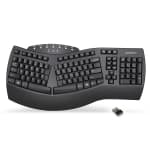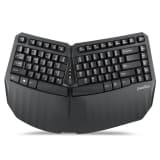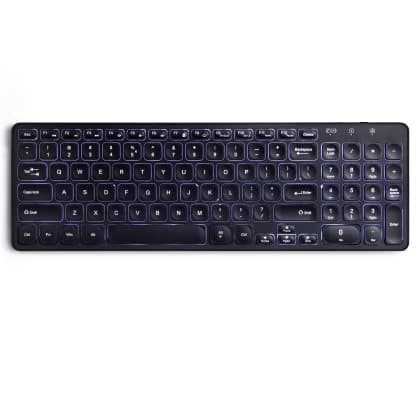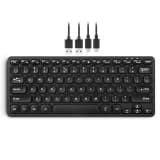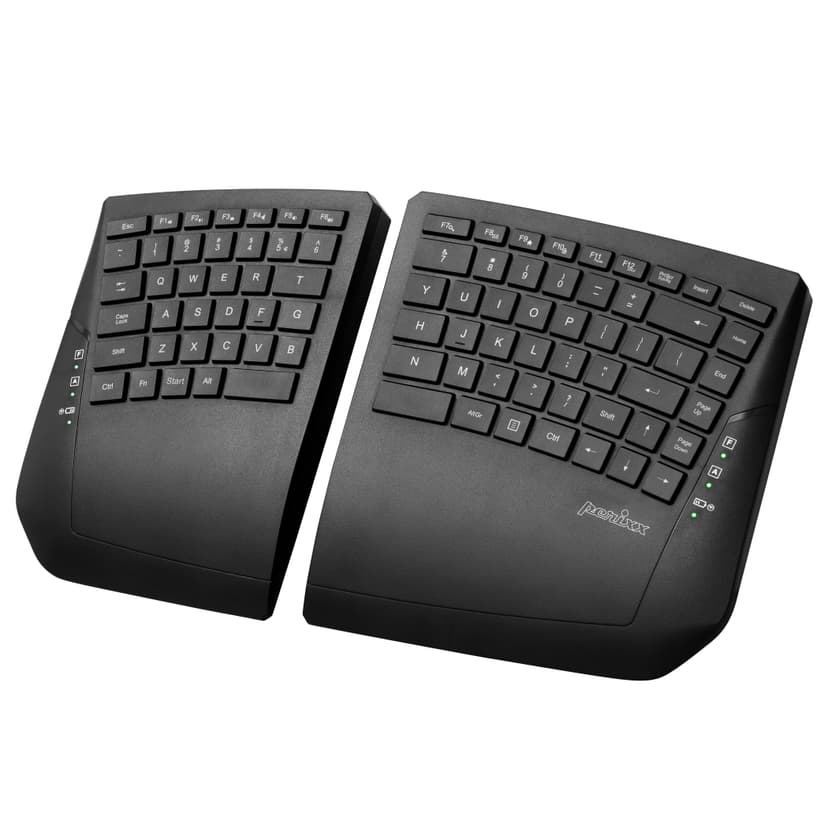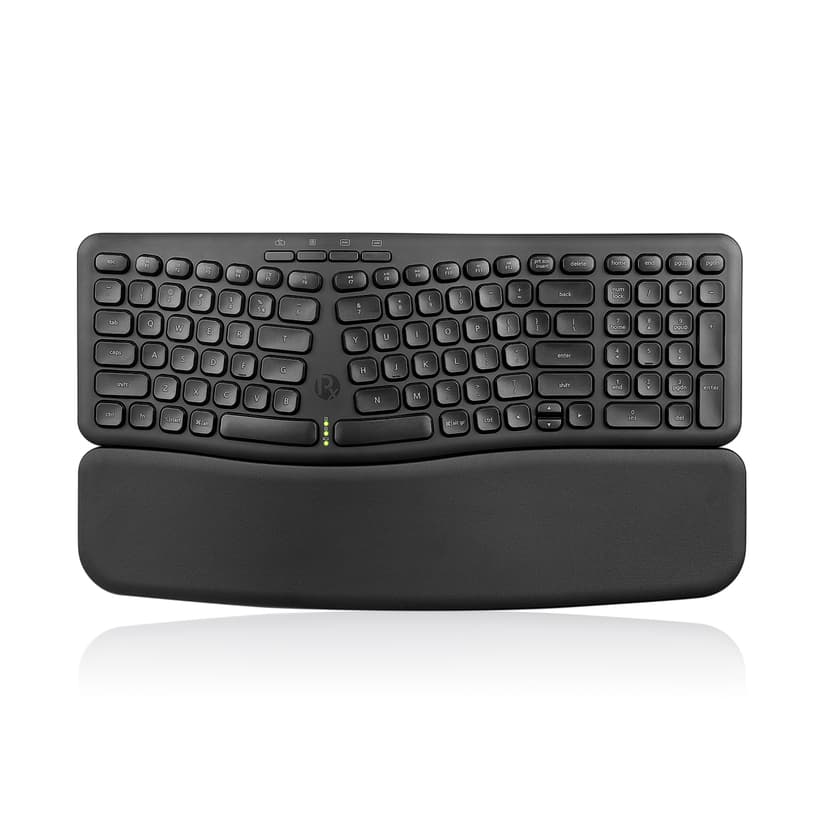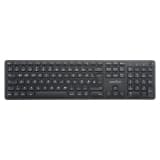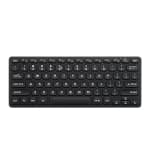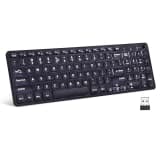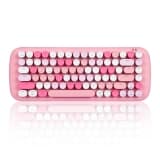
- PERIBOARD-612
Product Manual BLUETOOTH UPGRADE FILE (only for sold before 2020-05) Bindtool (only for sold before 2020-05) How to add the language layout on my keyboard? 1....
- PERIBOARD-613
Product manual BLUETOOTH UPGRADE FILE Bindtool How to add the language layout on my keyboard? 1. Open Settings: Click on the Start menu, then select the...
- PERIBOARD-615
Product Manual How to connect PERIBOARD-615? Wired Connection - Plug PERIBOARD-615 into a computer - Switch to “Wired” on the back side of the keyboard....
- PERIBOARD-616
Product Manual How to connect PERIBOARD-616? Wired Connection - Plug PERIBOARD-616 into a computer - Switch to “Wired” on the back side of the keyboard....
- PERIBOARD-624
Product Manual How to pair PERIBOARD-624? - Make sure you install 2 AA-batteries (not included). - Plug receiver of PERIBOARD-624 into computer. - Position the...
- PERIBOARD-636
Product Manual How to add the language layout on my keyboard? 1. Open Settings: Click on the Start menu, then select the "Settings" gear icon. Alternatively,...
- PERIBOARD-706
Product Manual Will PERIBOARD-706 work with windows 10? - PERIBOARD-706 is programmed to work with Windows 10. You don't have to install a driver since it is...
- PERIBOARD-716
Product Manual Is the dongle of PERIBOARD-716 a 1.0, 2.0, or 3.0 USB plug in? - The dongle of PERIBOARD-716 is USB 2.0 version. Will PERIBOARD-716 support...
- PERIBOARD-718
Product Manual Is PERIBOARD-718 required additional driver in order to use? - It is Plug-and-play, therefore no drivers are required. How to use the Multimedia...
- PERIBOARD-732
Product Manual How to turn on PERIBOARD-732? - Take the Nano-receiver and plug it into the laptop or computer - Switch ON the PERIBOARD-732 and ready to type....
- PERIBOARD-733
Product Manual How to turn on PERIBOARD-733? - Take the Nano-receiver and plug it into the laptop or computer - Switch ON the keyboard and ready to type. Is...
- PERIBOARD-734
Product Manual How to connect PERIBOARD-734? Wired Connection - Plug PERIBOARD-734 into a computer with Charging cable Wireless Windows Bluetooth - Switch to...
- PERIBOARD-805
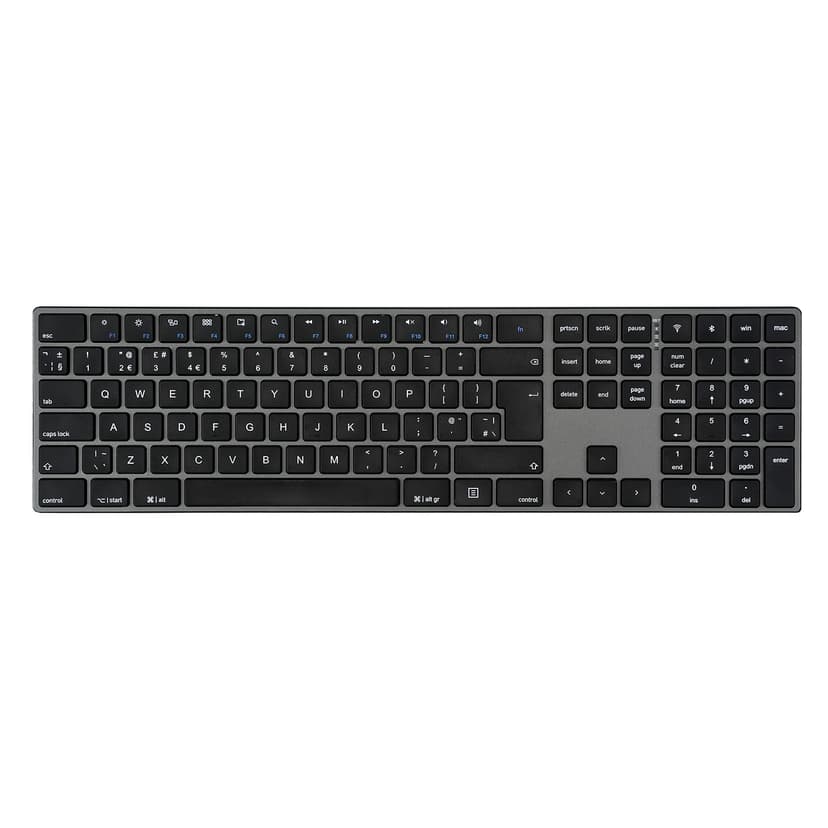
Product Manual PERIBOARD-805 (Apple Layout) - Symbol Layout The PERIBOARD-805 L is designed with the Apple layout in mind. The symbols printed on the keyboard...
- PERIBOARD-817
PRODUCT MANUAL How do I connect the PERIBOARD-817 to my computer using 2.4GHz or Bluetooth on Windows or macOS? 2.4GHz USB Connection - - Turn the keyboard’s...
- PERIBOARD-835
Product Manual Driver-software Bindtool Steps to connect the PERIBOARD-835 through the software - Install the configuration software from Link - Turn on the...
Can't find what you're looking for?
Tell us about your issue and our support team will get back to you by email.
Contact Support