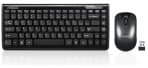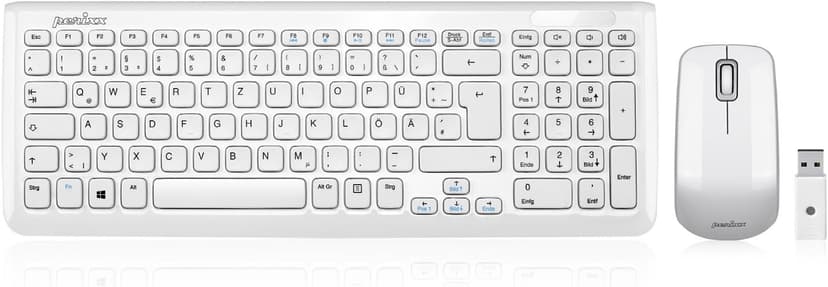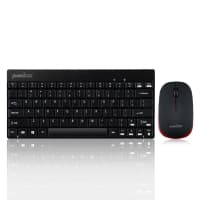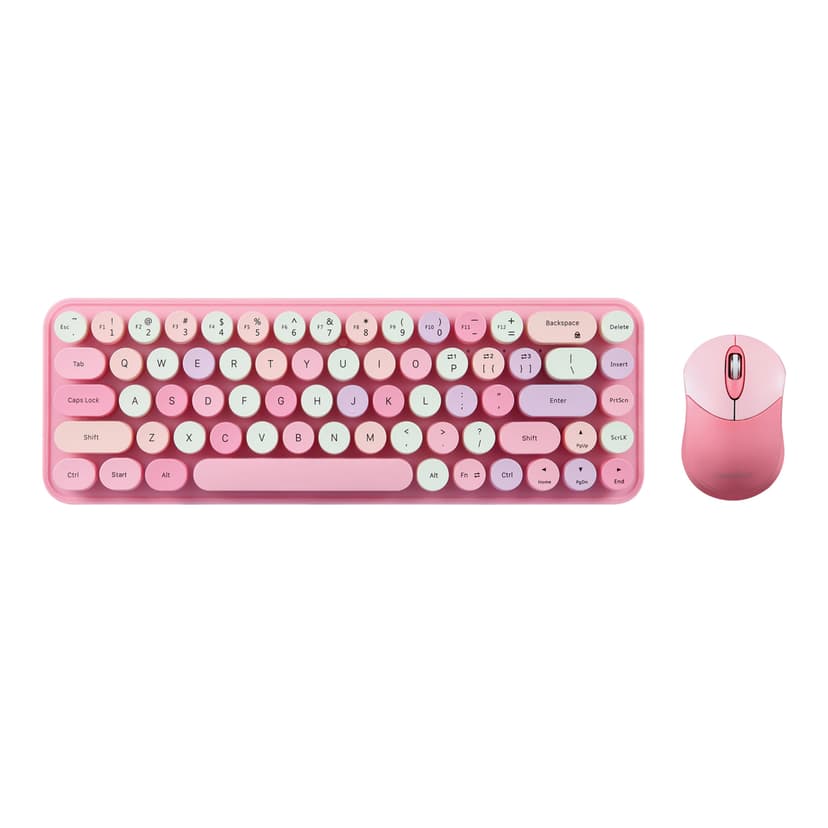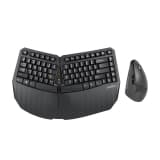
- PERIDUO-505
Product manual What are the steps and considerations for attaching the magnetic palm rest to adjust the negative tilt typing angle on PERIDUO-505? - You can...
- PERIDUO-605
Product manual How to Bind a Replacement Wireless Receiver to a Mouse and Keyboard Combo What are the steps and considerations for attaching the magnetic palm...
- PERIDUO-606
Product Manual What are the steps and considerations for attaching the magnetic palm rest to adjust the negative tilt typing angle on PERIDUO-606? You can...
- PERIDUO-606A
Product Manual What are the steps and considerations for attaching the magnetic palm rest to adjust the negative tilt typing angle on PERIDUO-606A? You can...
- PERIDUO-703
Product Manual How can I address issues like double letters on PERIDUO-703 keyboard? - To address issues like double letters on your keyboard, you can try the...
- PERIDUO-707
Product Manual How to Pair up PERIDUO-707? 1. Make sure you install 2 AA-batteries (not included). 2. Take the receiver and plug it into the laptop or...
- PERIDUO-710
Product Manual How can I address issues like double letters on PERIDUO-710 keyboard? - To address issues like double letters on your keyboard, you can try the...
- PERIDUO-712
Product Manual How to pair the PERIDUO-712? - Make sure you insert 2 AA batteries (not included). - Take the nano receiver and plug it into your laptop or...
- PERIDUO-713
Product manual How to connect PERIDUO-713 to an iPad Pro: - Plug the receiver to appropriate adapter. - Plug in the adapter-plugged-receiver into the port on...
- PERIDUO-802
Product Manual How to connect PERIDUO-802 via Bluetooth How to switch between devices on PERIDUO-802 How can I address issues like double letters on...
- PERIDUO-813
Product Manual How to Pair up PERIDUO-813? Via Bluetooth: 1. Switch the keyboard to Windows mode and enable Bluetooth mode. 2. Enable Bluetooth on your Windows...
Can't find what you're looking for?
Tell us about your issue and our support team will get back to you by email.
Contact Support